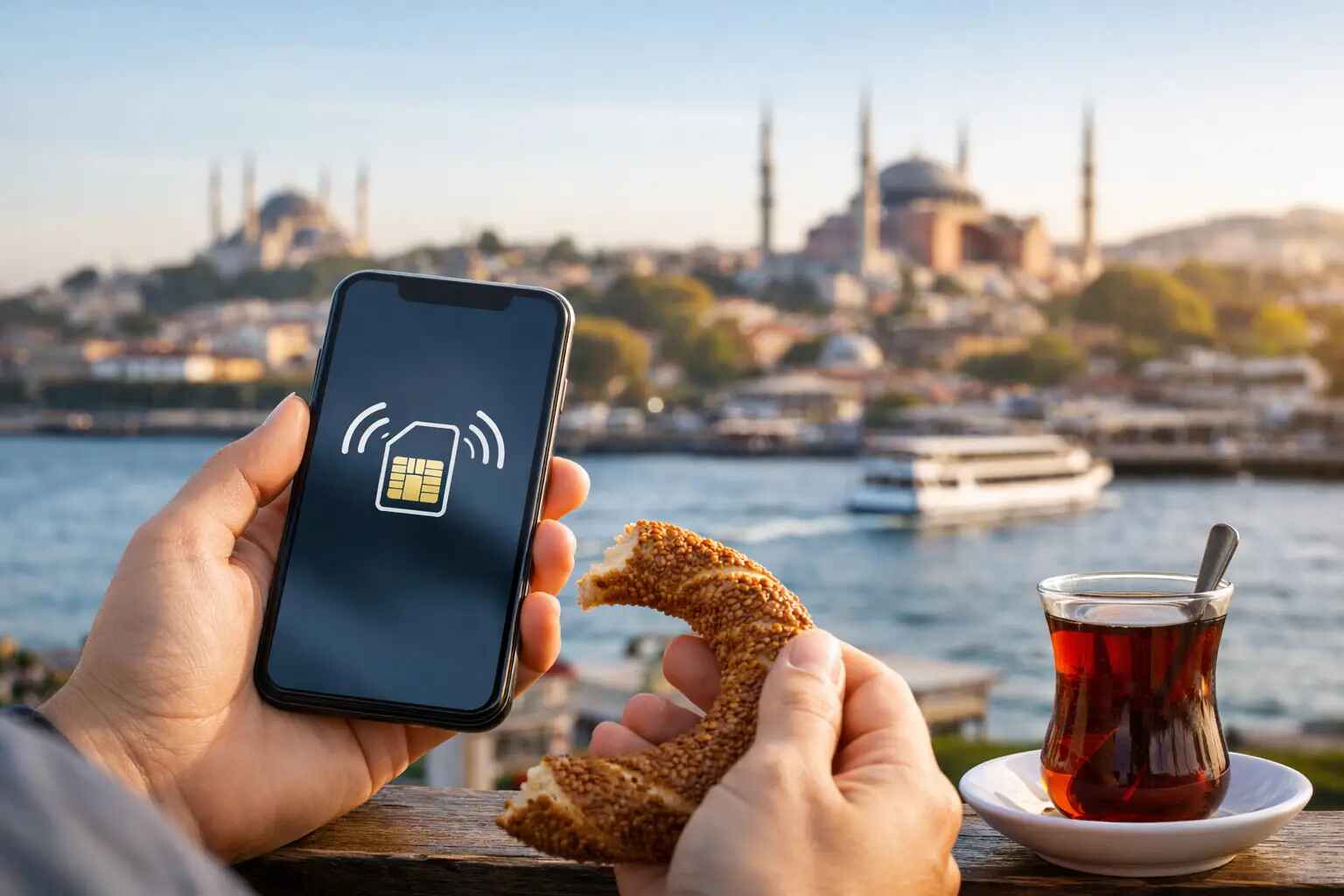
Landing in Turkey without mobile service is one of those small problems that can derail an otherwise well-planned arrival. If you are figuring out how to use eSIM in Turkey, the good news is that the setup is usually quick, the coverage is strong in major destinations, and you can be connected before you leave the airport.
For travelers who value a smooth arrival, eSIM is often the cleanest option. There is no need to find a SIM kiosk, no need to swap out your home SIM card, and no need to waste time comparing tourist plans while tired after a long flight. You can activate service on your phone, open your maps, confirm your hotel, contact your driver, and move through your trip with far more confidence.
How to use eSIM in Turkey before you arrive
The best time to set up an eSIM is before departure. Most modern iPhones, Google Pixel devices, and many Samsung models support eSIM, but compatibility varies by model and region. Before you buy anything, check that your phone is both eSIM-compatible and carrier-unlocked. An eSIM will not help if your device is locked to your home network.
Once that is confirmed, you will typically choose a provider, purchase a plan online, and receive a QR code or activation details by email. Most providers let you install the eSIM in advance and activate it either immediately or when you arrive in Turkey. If you want the least amount of friction, install it while you still have stable Wi-Fi at home.
This is also the moment to think about how you actually travel. If you mainly need maps, messaging apps, email, and ride coordination, a data-only plan is usually enough. If you expect to place regular local calls or want a Turkish number, your options narrow and the setup may be more involved.
What eSIM actually gives you in Turkey
For most international visitors, an eSIM in Turkey is primarily about mobile data. That covers the essentials – Google Maps, WhatsApp, iMessage, email, banking apps, airline notifications, and hotel communication. For many travelers, that is more useful than a traditional local number.
What trips people up is assuming every eSIM works the same way. Some plans are data-only. Some allow tethering, while others limit hotspot use. Some operate on major Turkish networks with strong performance in cities like Istanbul, Antalya, Izmir, and Bodrum, but may be less consistent in remote areas or on long road journeys.
If your itinerary includes Cappadocia, the Turquoise Coast, or a yacht charter with stretches away from urban centers, coverage can still be good, but it is smart to expect occasional variation. Turkey has strong mobile infrastructure in tourism-heavy regions, yet no provider is perfect everywhere.
Choosing the right eSIM plan for your trip
The right plan depends on trip length, device use, and your tolerance for managing settings. A business traveler spending three days in Istanbul has very different needs than a family touring multiple regions for two weeks.
If your usage is light, a smaller data package may be enough. But many travelers underestimate how much data they consume abroad. Navigation, photo backups, video calls, and hotspot sharing can burn through a plan quickly. If your phone tends to run cloud services in the background, the safer move is often buying slightly more data than you think you need.
There is also a trade-off between local and travel-focused eSIM providers. Travel eSIM brands are usually easier to purchase before arrival and simpler for foreign visitors. Local Turkish carrier options may offer better value or stronger native integration, but they can be less straightforward for short-term tourists. If convenience matters more than shaving a few dollars off the price, the travel-oriented route is usually the better fit.
How to install and activate an eSIM in Turkey
The setup process is usually simple. After purchase, you scan the QR code in your phone’s cellular settings, label the new line, and choose how you want your phone to use it. Many people label it “Turkey” so they can manage it easily.
Then you decide which line handles data, which line handles voice, and whether your primary number stays active. That matters if you want to keep receiving texts from your bank or use two numbers at once. Dual SIM behavior is one of the biggest advantages of eSIM, but only if the settings are configured correctly.
In most cases, you should set the Turkey eSIM as your mobile data line and turn off data roaming on your home SIM to avoid surprise charges. Keep your primary line active only if you need it. If not, disabling it during the trip can reduce risk and simplify things.
When you land, the eSIM may connect automatically. If it does not, open cellular settings, confirm the line is turned on, and check whether data roaming must be enabled for that specific eSIM. This part confuses many travelers because enabling roaming on an eSIM can be necessary even when you are trying to avoid roaming on your home carrier.
How to use eSIM in Turkey without running into common problems
Most eSIM issues are not network failures. They are setup errors.
One common mistake is installing the eSIM too late. If you wait until landing and airport Wi-Fi is weak, the process can become frustrating fast. Another is accidentally leaving your home SIM as the active data line. Your phone may look connected while quietly charging expensive international roaming rates.
It is also worth checking whether your provider requires manual APN settings, though many no longer do. If data is not working after activation, toggling airplane mode on and off, restarting the phone, or selecting a network manually often solves it.
Battery performance can be another minor trade-off. Dual SIM operation can use more power, especially if both lines are actively searching for networks. If you are out all day for meetings, touring, or airport transfers, carrying a power bank is sensible.
eSIM vs physical SIM in Turkey
A physical SIM still works well in Turkey, and in some cases it may offer better local plan options. But for premium travelers, the physical process is often the downside. You need to find a vendor, present your passport in some cases, swap cards, keep track of your original SIM, and spend time on a task that could have been handled before takeoff.
An eSIM is usually better for travelers who want to move from aircraft seat to hotel car to check-in with minimal interruption. It is especially useful if your schedule is tight or if you are arriving late at night and do not want to deal with airport kiosks, language friction, or inconsistent pricing.
That said, if your phone does not support eSIM, or if you specifically need a local Turkish number with traditional carrier service, a physical SIM may still be the more practical option.
Best use cases for travelers visiting Turkey
eSIM makes the biggest difference during the first and last hours of a trip. On arrival, you can coordinate pickups, track routes, message your hotel, and stay oriented in unfamiliar surroundings. During the trip, it keeps restaurant reservations, flight updates, and day plans within easy reach.
For families, it helps with location sharing and instant communication. For business travelers, it keeps calendars, messaging platforms, and video calls accessible between meetings. For leisure guests moving between Istanbul, Bodrum, and Antalya, it creates continuity without needing to solve connectivity again in each new stop.
This is where reliable mobile service matters more than people expect. A polished travel experience is not just about the flight or the hotel. It is also about small operational details working properly. Being able to contact your chauffeur, confirm your airport transfer, or update your arrival time without delay changes the tone of the day.
If you want that first hour in Turkey to feel organized rather than improvised, set up your eSIM before departure, confirm your phone settings, and choose a plan that matches how you actually travel. Premium trips are smoother when the basics are already handled.